Renogy Rover Not Charging Error Codes: What E0, E1, E3 and Other Codes Mean
Renogy rover not charging error codes look alarming on the LCD, but almost all of them trace back to four things: the battery, the solar input, the load terminal, or heat. I have spent more than 15 years troubleshooting DC systems, control panels and solar installations, and the fastest fix is always the same: read the code first, then check the wiring it points to. This guide explains every code the Rover can show, how to reset the controller safely, and how to tell when the unit is truly faulty.
Quick answer on renogy rover not charging error codes: E0 means no error. E1 and E3 are battery voltage problems. E4 and E5 are load faults. E6 is overheating. E8, E10 and E13 are solar input faults.
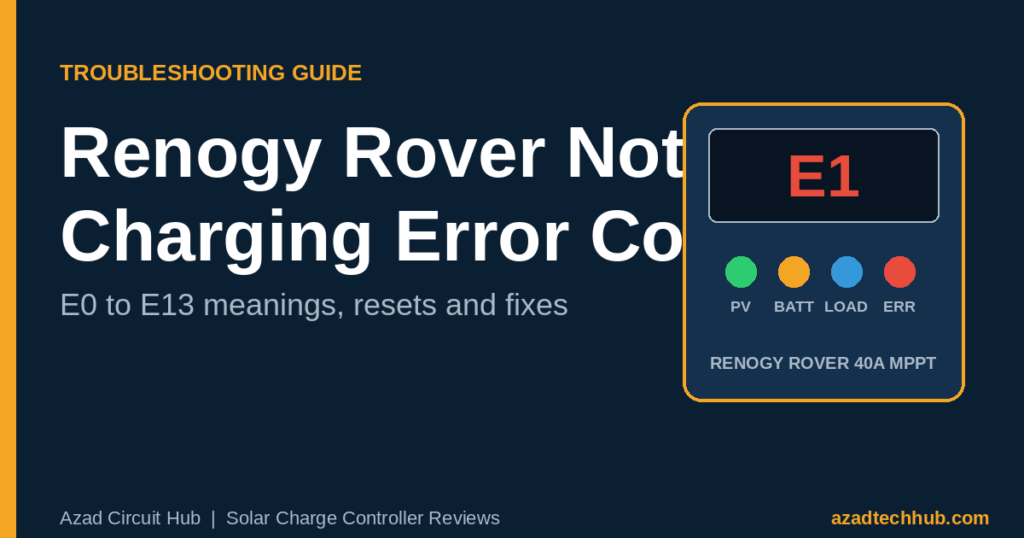
Renogy Rover Not Charging Error Codes Chart (E0 to E13)
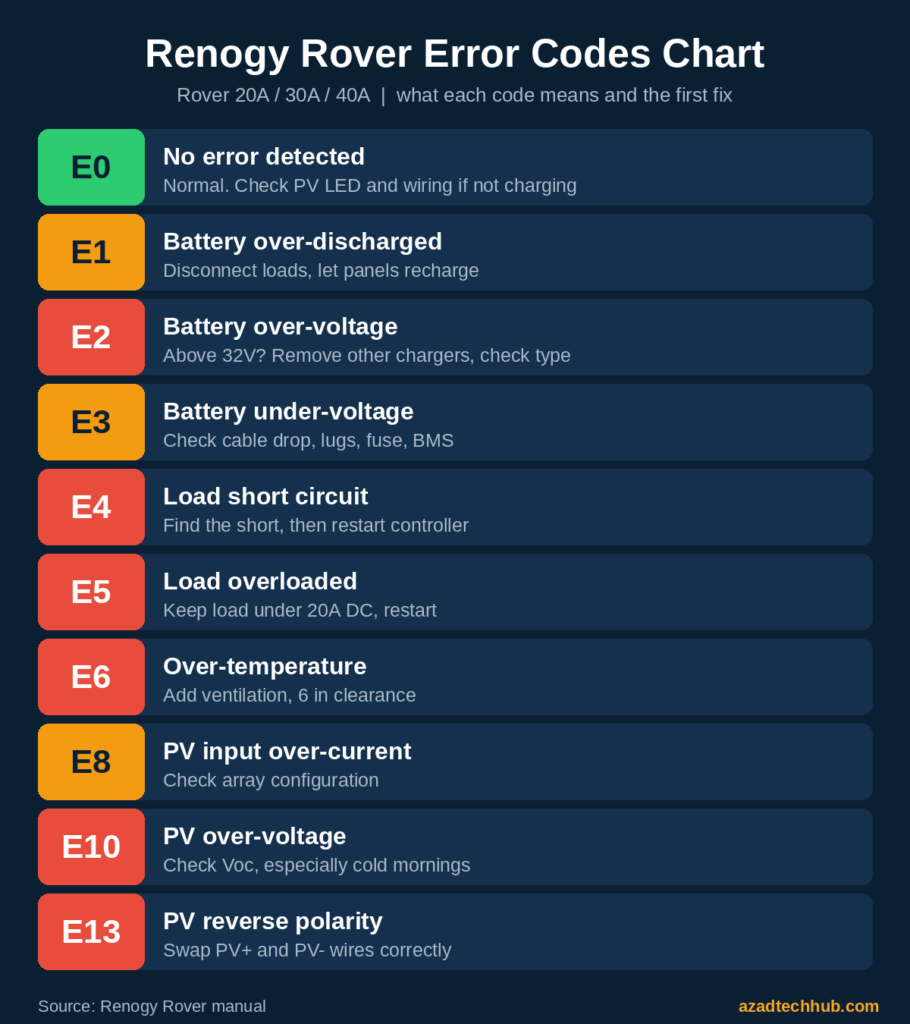
When something is wrong, the Rover lights the white ERROR LED and shows a code on the LCD. This table lists the renogy rover not charging error codes from the Rover 20A/30A/40A manual, plus the first thing I check for each one.
| Code | Meaning | First thing to check |
|---|---|---|
| E0 | No error detected | Nothing to fix. If it is not charging, check the PV LED and wiring |
| E1 | Battery over-discharged | Disconnect loads and let the panels recharge the battery |
| E2 | Battery over-voltage | Battery voltage above 32V, a second charger, or a wrong battery type |
| E3 | Battery under-voltage | Voltage drop in cables, loose lugs, a blown fuse or a tripped BMS |
| E4 | Load short circuit | Disconnect the load wiring, find the short, then restart |
| E5 | Load overloaded | Keep the load under 20A DC, then restart |
| E6 | Controller over-temperature | Improve ventilation and keep 6 inches of clearance |
| E8 | PV input over-current | Array current is too high; check the panel configuration |
| E10 | PV over-voltage | Array voltage is too high, especially on cold mornings |
| E13 | PV reverse polarity | PV positive and negative wires are swapped |
Renogy Rover E0 Error Code: It Means No Error
E0 confuses more owners than any other code in the list of renogy rover not charging error codes. The Rover shows E0 when everything is fine, so the renogy rover e0 error code is not a fault at all. If the battery still is not charging with E0 on screen, the problem sits outside the controller: PV wiring, shading, a full battery or a wrong battery type. Use the checklist further down.
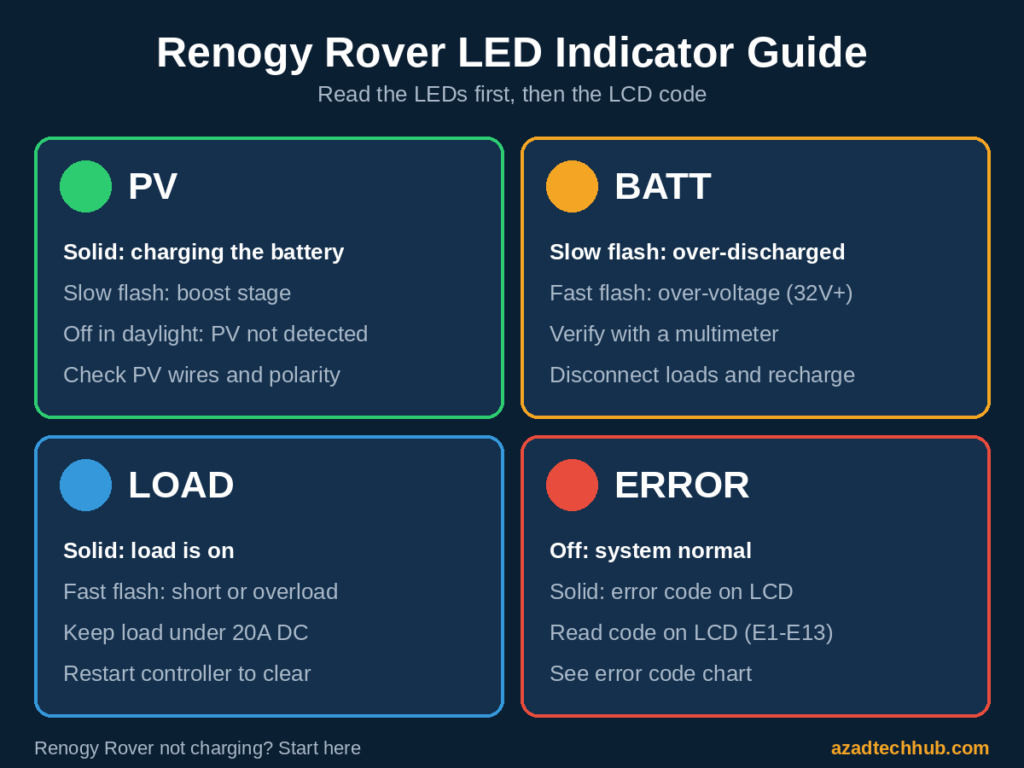
Renogy Rover E01 and E1 Error Code: Battery Over-Discharged
Among renogy rover not charging error codes, E1 is the one people ask about most. The renogy rover e1 error code, which many people search for as E01, means the battery voltage has fallen below the over-discharge point. The BATT LED flashes slowly, and the controller protects the battery by cutting the load output. Here is how to clear it:
- Disconnect all loads from the load terminal.
- Let the panels charge the battery, and check the battery voltage with a multimeter every few minutes.
- If the voltage does not rise in full sun, check the PV side before blaming the battery.
- On lithium batteries, check whether the BMS has tripped and follow the battery maker’s reset procedure.
Once the voltage climbs past the over-discharge return voltage, the code normally clears on its own. If it sticks, restart the controller using the reset steps below.
What Does the E3 Error Mean on a Renogy Rover?
E3 means battery under-voltage, and of all renogy rover not charging error codes it is the easiest to misdiagnose. A common cause is a voltage at the controller’s battery terminals that is lower than the voltage at the battery itself. Measure both.
A gap of more than a few tenths of a volt points to a connection problem: an undersized cable, a loose lug, corrosion or a blown fuse. If you suspect the cable, run your numbers through the DC cable size calculator and compare the gauge with the AWG to mm² conversion chart.
Why Is My Renogy Solar Not Charging With No Error Code?
Most renogy rover not charging error codes never appear at all, because the controller is simply not receiving or accepting power. Check these in order:
- PV LED off in daylight: PV wires are loose or reversed. Measure PV voltage at the terminals with a multimeter.
- Full battery: a battery in the float stage draws almost no current, which is normal.
- Shading: a shadow across one panel can cut array output sharply.
- Low PV voltage: an MPPT controller needs panel voltage above battery voltage, so dawn, heavy overcast and snow-covered panels can show 0A.
- Wrong battery type: confirm Lithium, Sealed, Gel, Flooded or User mode matches your battery.
- Cold lithium battery: many LiFePO4 batteries block charging below freezing.
- Open fuse or breaker between the battery and the controller.
- Wrong connection order: the battery must go on first, then the solar panels.
Wiring mistakes cause a large share of these faults, so compare your layout with my Renogy Rover wiring diagram guide and confirm your array fits the controller using the solar charge controller sizing calculator.

How to Reset a Renogy Charge Controller
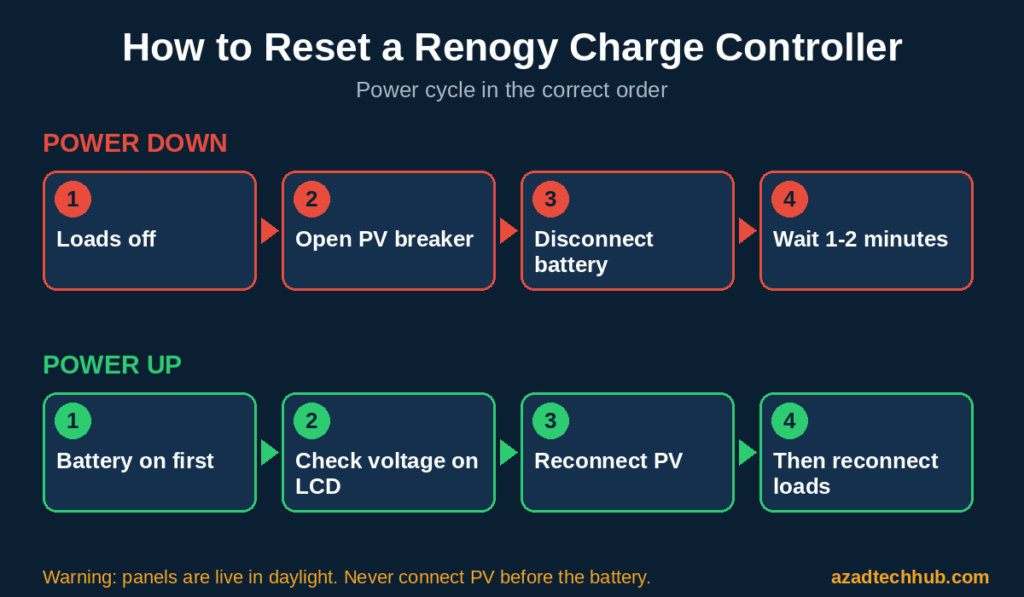
The Rover has no reset button. The manual says load short-circuit and overload faults are cleared by restarting the controller, so a power cycle is the correct way to reset a Renogy charge controller and clear latched renogy rover not charging error codes. Remember the shock risk: panels are live whenever there is light.
- Switch off or disconnect the loads.
- Open the PV disconnect or breaker, or cover the panels.
- Disconnect the battery and wait one to two minutes until the screen goes blank.
- Reconnect the battery first and confirm the controller detects the system voltage.
- Reconnect the PV array, then the loads.
- Read the screen. If the same code returns, the cause is still there.
After a restart, confirm the battery type and any User mode voltages are still what you set. If you also run EPEVER hardware, see my guide on how to reset an EPEVER MPPT charge controller.
What Are the Signs of a Faulty Charge Controller?
If renogy rover not charging error codes keep returning, rule out wiring, battery and PV problems first. These signs then point to the controller itself:
- The LCD stays blank although the battery terminals show normal voltage.
- The same code returns right after a clean restart, with the load disconnected and the wiring verified.
- Your multimeter shows healthy PV voltage at the terminals, but the controller reports none.
- Terminals are hot, discolored or have melted insulation.
- Charging current stays far below expectations in full sun with correct wiring.
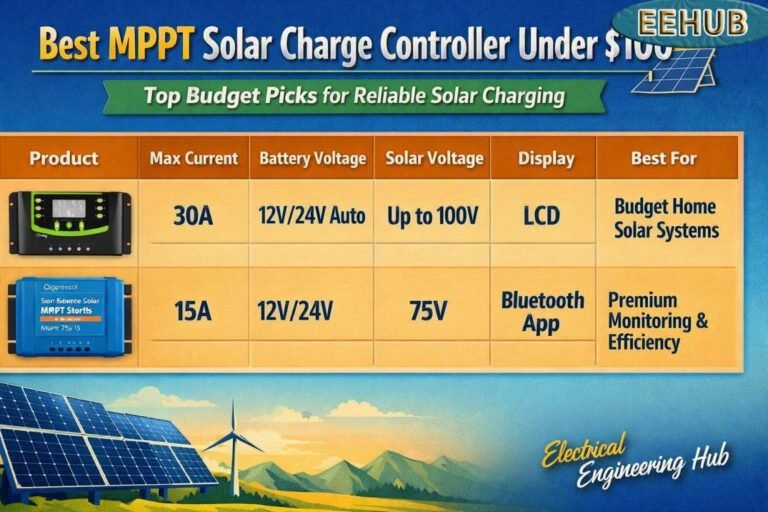
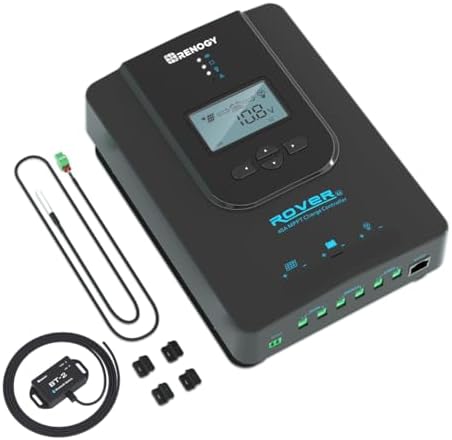
Check your warranty and contact Renogy support before buying anything. If the unit is out of warranty, a direct replacement is the Renogy Rover 40A MPPT Solar Charge Controller, which accepts up to 520W on a 12V system and 1040W on 24V. Compare it with the larger model in my Renogy Rover 40A vs 60A comparison, or read the full Renogy Rover 40A MPPT review.
- plastic
- Imported
- Innovative MPPT Design, up to 99% efficiency and Operate with Battery when Battery is 0 Volt: Renogy MPPT technology is …
Common Error Codes for MPPT Charge Controllers
Renogy rover not charging error codes follow the same pattern as other brands. Brands label faults differently, but nearly every MPPT controller reports the same four families: battery over- or under-voltage, PV over-voltage, over-current or reverse polarity, load overload or short circuit, and over-temperature.
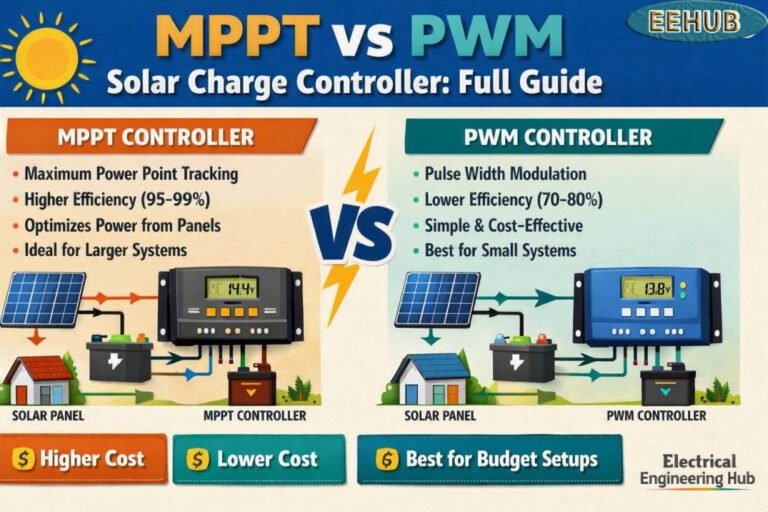
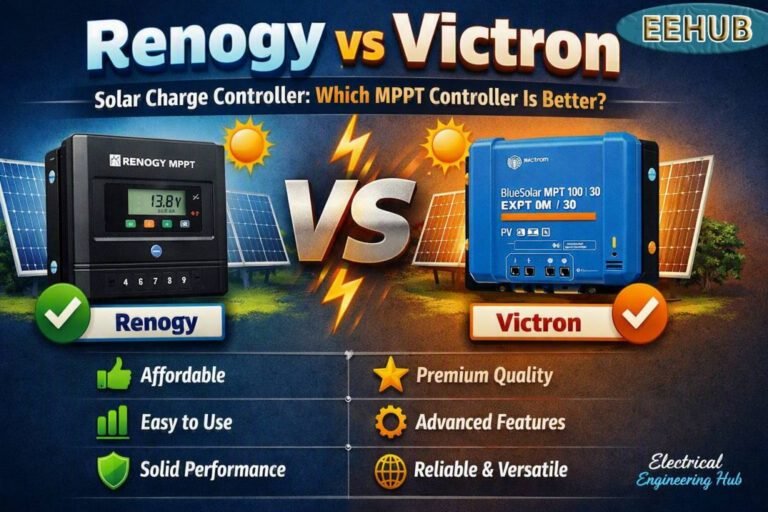
Renogy uses E-numbers, while other brands use icons or app messages, so always check your own manual. For help choosing a controller that suits your battery, see the best solar charge controller for LiFePO4 batteries, the Renogy vs Victron comparison, and my MPPT vs PWM guide.
Renogy Rover Manual PDF, Voyager and Adventurer Manuals
The full list of renogy rover not charging error codes sits on the troubleshooting page of the manual. Download the Rover manual from Renogy’s support downloads page for your exact model, because Rover, Rover Li and Rover 2 manuals differ slightly.
The Voyager and Adventurer are PWM controllers with their own manuals, so do not apply the Rover table above to them without checking. For a wider comparison of every option, start at the best solar charge controller guide, or browse all solar charge controller reviews.
Frequently Asked Questions
What are the Renogy Rover not charging error codes?
The Rover shows E0 (no error), E1, E2, E3 (battery), E4, E5 (load), E6 (over-temperature), E8, E10 and E13 (solar input). Only E0 is normal. Use the chart above to match each code to its fix.
How do I reset a Renogy Rover charge controller?
Disconnect the loads, then the PV array, then the battery. Wait one to two minutes until the screen is blank. Reconnect the battery first, then the PV, then the loads. This power cycle clears latched faults such as E4 and E5.
What does the E01 error code mean on a Renogy charge controller?
E01 is usually read as E1, which means battery over-discharged. The load output is cut to protect the battery. Disconnect loads, let the panels recharge it, and verify the voltage with a multimeter.
Why is my Renogy solar not charging?
Many renogy rover not charging error codes are wiring faults, so check the PV LED, PV wiring polarity, shading, battery type setting and fuses. Also confirm the battery is not already full or blocked by a lithium BMS. A multimeter at the PV and battery terminals quickly shows which side has the problem.
What are the common error codes for MPPT charge controllers?
Most report battery over-voltage or under-voltage, PV over-voltage, PV over-current, reverse polarity, load short or overload, and over-temperature. The labels differ by brand, so match the code to your own manual.
What are the signs that my charge controller is faulty?
Renogy rover not charging error codes that return after a clean restart point to hardware. Other signs: a blank LCD with good battery voltage, no PV reading despite measured PV voltage, hot or discolored terminals, and very low charging current in full sun.
What does the E3 error mean on a Renogy Rover solar controller?
E3 means battery under-voltage. Compare battery voltage at the battery and at the controller terminals. A gap points to a loose lug, an undersized cable, corrosion or a blown fuse.
Final Thoughts
Renogy rover not charging error codes are rarely a sign of a dead controller. Start with the code on the screen, confirm the wiring with a multimeter, restart the controller in the correct order, and only then consider hardware failure. That order resolves most cases of renogy rover not charging error codes. If you do need a replacement, the Renogy Rover 40A MPPT Solar Charge Controller is the model I would look at first for 12V and 24V systems.
Get new guides in your feed. Follow Electrical Insights on LinkedIn for new electrical standards guides, calculators and design tips from Azad Circuit Hub.