How to Use Kill A Watt Meter to Calculate Electricity Cost
Learning how to use kill a watt meter to calculate electricity cost can help you find power-hungry appliances, estimate monthly bills, and reduce wasted energy. The P3 Kill A Watt P4400 Electricity Usage Monitor is a useful tool for checking the power consumption of many household devices, including computers, televisions, fans, and small refrigerators.
As an electrical engineer with practical experience in electrical systems, testing, and troubleshooting, I recommend measuring actual energy use rather than relying only on the wattage printed on an appliance. Real power consumption often changes with operating conditions, cycling, and load.
Kill A Watt Meter Features at a Glance
| Feature | P3 Kill A Watt P4400 |
|---|---|
| Product type | Plug-in electricity usage monitor |
| Main measurement | Watts and kilowatt-hours (kWh) |
| Other readings | Voltage, current, frequency, power factor |
| Connection | Standard compatible AC outlet |
| Energy cost calculation | Manual calculation using kWh |
| Best for | Measuring individual plug-in appliances |
| Typical application | Home energy audits and appliance testing |

- Choose from the Kill-a-Watt’s four settings to monitor your electrical usage
- Monitor your electrical usage by day, week, month, or year
- Electricity usage monitor connects to appliances and assesses efficiency
Check the current price on Amazon: P3 Kill A Watt P4400 Electricity Usage Monitor
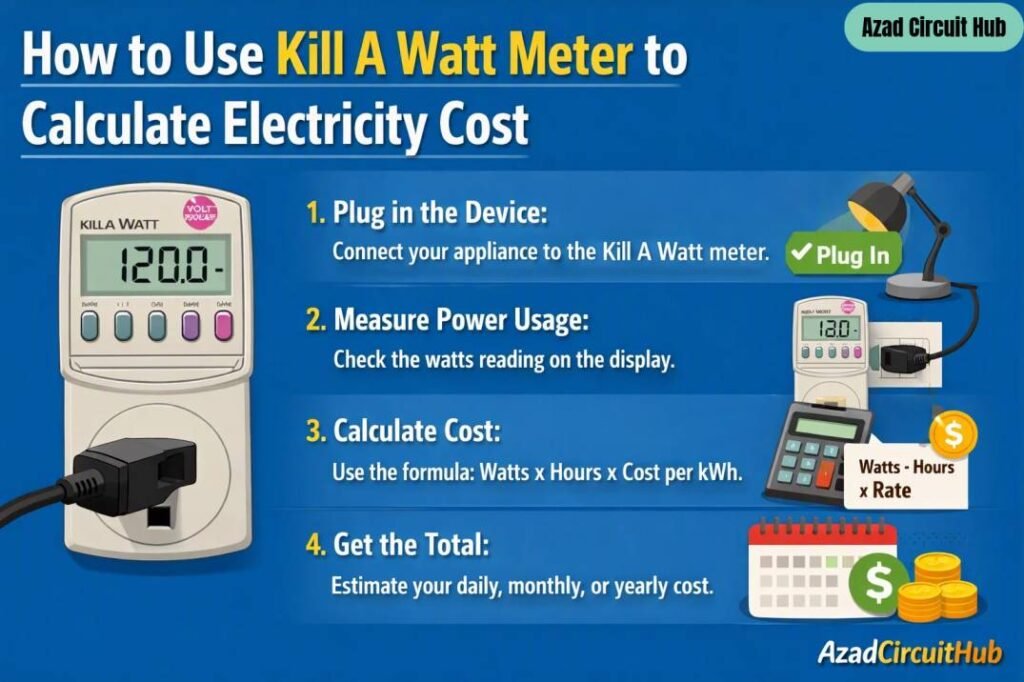
Table of Contents
Table of Contents
Before buying, confirm that the meter’s voltage, current, plug type, and outlet rating match your appliance and local electrical system.
How Does a Kill A Watt Meter Work?
A Kill A Watt meter sits between a wall outlet and an appliance. It measures electrical values such as voltage, current, and real power. It also tracks the energy used over time in kilowatt-hours.
Watts show how much power an appliance uses at a particular moment. Kilowatt-hours show how much energy it consumes over a period.
For example, a 100W appliance running for 10 hours uses:
Energy = Power × Time
100W × 10 hours = 1,000Wh = 1kWh
If your electricity rate is $0.20 per kWh, the energy cost is:
1kWh × $0.20 = $0.20
This is the basic principle behind using a meter to estimate appliance electricity costs.
How to Use Kill A Watt Meter to Calculate Electricity Cost: Step by Step
Follow these steps to measure an appliance safely and calculate its running cost.
- Plug in the meter. Connect the Kill A Watt meter to a compatible wall outlet.
- Connect the appliance. Plug the appliance into the meter’s outlet.
- Turn on the appliance. Operate it as you normally would.
- Check the readings. Use the meter’s display to view watts, voltage, current, or other available measurements.
- Measure energy use. For appliances that run for different lengths of time, leave the meter connected for a representative period and check the accumulated kWh.
- Record the reading. Note the energy consumed and the measurement duration.
- Calculate the cost. Multiply the measured kWh by your electricity rate.
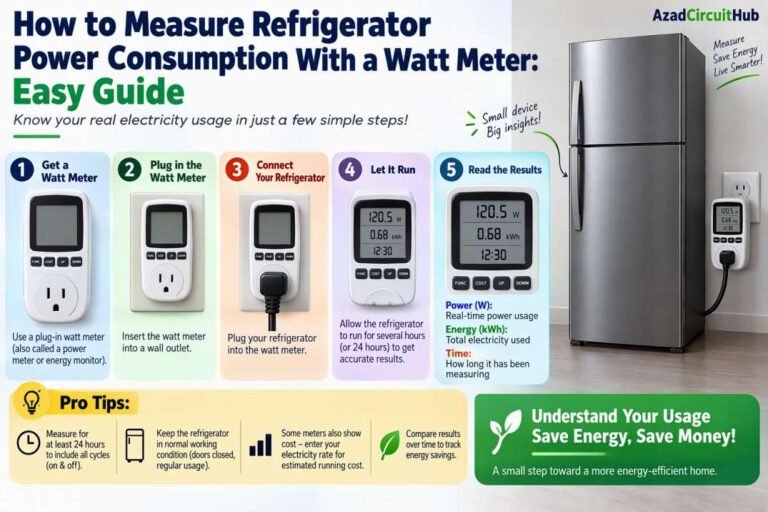
For accurate results, measure over a full operating cycle when possible. A refrigerator, for example, turns its compressor on and off, so a brief watt reading will not show its average daily consumption.
How to Calculate Electricity Cost With a Kill A Watt Meter
The simplest way to calculate electricity cost is to use the accumulated kWh reading.
Formula:
Electricity cost = Energy consumed (kWh) × Electricity rate ($/kWh)
Suppose the meter records 2.4kWh over 24 hours, and your electricity rate is $0.18 per kWh.
Daily cost = 2.4 × $0.18 = $0.432
Estimated monthly cost = $0.432 × 30 = $12.96
| Measurement | Example |
|---|---|
| Daily energy use | 2.4kWh |
| Electricity rate | $0.18/kWh |
| Daily cost | $0.432 |
| 30-day estimated cost | $12.96 |
Use your actual utility rate for the best estimate. Taxes, fixed service charges, time-of-use rates, and other bill adjustments may increase the final amount.
If you want to measure a refrigerator more accurately, read How to Measure Refrigerator Power Consumption With a Watt Meter for appliance-specific testing guidance.
How Do You Use a Watt Meter to Measure Different Appliances?
The testing period depends on the type of appliance.
| Appliance | Suggested Measurement | What to Check |
|---|---|---|
| Desktop computer | Several hours | Average watts under normal use |
| Television | 2–4 hours | Power in normal viewing mode |
| Fan | Several hours | Energy at each speed setting |
| Refrigerator | 24–72 hours | Total kWh over complete cycles |
| Space heater | Short supervised test | High power draw and operating cost |
| Phone charger | Extended test if needed | Low standby and charging consumption |
These are suggested test periods, not mandatory limits. Always follow the meter’s instructions and stay within its rated load.
For whole-home monitoring, a plug-in meter cannot measure every circuit. See Best Energy Monitor for Whole House if you need a broader view of household electricity consumption.
How to Reset a Kill A Watt Meter
To begin a fresh energy measurement, check the instructions for your exact P4400 version. Some readings can be cleared using the meter’s reset function, while others may behave differently depending on the model.
A practical reset procedure is:
- Record the existing kWh reading if you need to keep it.
- Locate the reset control or button combination described in the manual.
- Clear the relevant measurement.
- Confirm the display shows the expected starting value.
- Begin the new measurement period.
Do not assume that unplugging the meter will reset every measurement. Follow the manufacturer’s instructions for your specific unit.
How Do You Connect a Wattmeter?
For a compatible plug-in appliance, the connection is straightforward: wall outlet, Kill A Watt meter, then appliance.
Check that the outlet voltage and the appliance load are within the meter’s ratings. Do not use the meter with equipment that exceeds its maximum current or power rating. Avoid improvised adapters and do not connect exposed wiring to a plug-in meter.
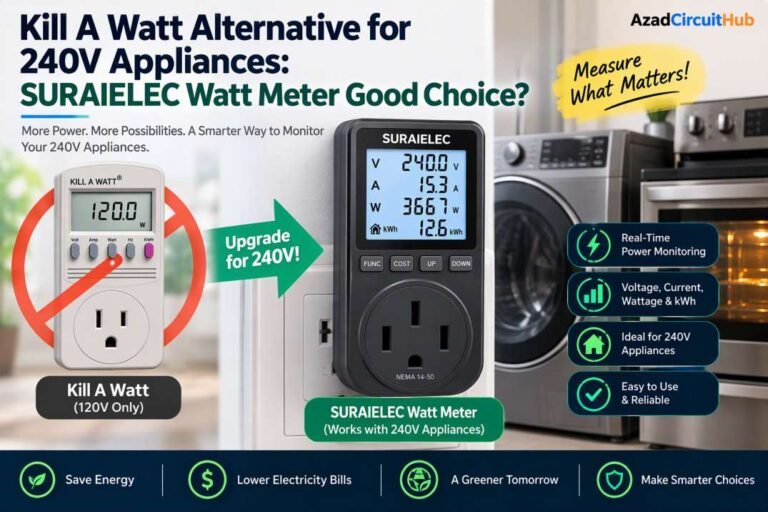
The P4400 is intended for compatible plug-in loads. It is not a substitute for a properly installed whole-house energy monitor or a meter designed for hardwired 240V equipment.
If you need to test a 240V appliance, read Kill A Watt Alternative for 240V Appliances before selecting a suitable instrument.
What Runs Up Your Electric Bill the Most?
The largest electricity costs often come from appliances that draw high power or operate for long periods.
Common examples include:
- Electric space heaters
- Central air conditioning and heat pumps
- Electric water heaters
- Clothes dryers
- Electric ovens and cooking equipment
- Older refrigerators and freezers
- Pool pumps and other continuously running motors
A 1,500W heater running for five hours consumes 7.5kWh. At $0.20 per kWh, that costs $1.50 per day, or about $45 over 30 days if used every day.
This is why both power rating and operating time matter. A small device running all day can also add up, but high-power heating and cooling equipment often has a much greater effect on the bill.
For more buying guidance, compare Kill A Watt P4400 vs P4460 and Kill A Watt vs Smart Plug Energy Monitor before choosing a monitoring device.
Frequently Asked Questions
1. Can a Kill A Watt meter calculate my exact electricity bill?
It can estimate the energy cost of a compatible appliance using measured kWh and your electricity rate. It will not include every fixed charge, tax, or adjustment on your utility bill.
2. How long should I leave a Kill A Watt meter connected?
It depends on the appliance. A few hours may work for a computer, while a refrigerator is better measured over 24–72 hours to capture compressor cycles.
3. Does the Kill A Watt meter measure watts or kWh?
The P4400 provides power readings in watts and tracks energy consumption in kilowatt-hours. Watts indicate power at a moment; kWh measure energy over time.
4. Can I use a Kill A Watt meter with a refrigerator?
Yes, provided the refrigerator’s plug, voltage, starting load, and operating current are compatible with the meter’s ratings. Check the manual before connecting the appliance.
5. Can the P4400 measure 240V appliances?
Do not assume that it can. The standard P4400 is designed for compatible outlet-powered equipment within its specified electrical ratings. Use a properly rated meter for 240V appliances.
Final Verdict
The P3 Kill A Watt P4400 is a practical choice for measuring the electricity consumption of individual compatible appliances. It helps turn power readings into useful cost estimates and makes it easier to identify equipment that wastes energy.
To get meaningful results, measure kWh over a representative period, use your actual electricity rate, and account for how often the appliance runs. That approach gives you a much better estimate than relying on the appliance’s rated wattage alone.
Check the P3 Kill A Watt P4400 on Amazon: P3 Kill A Watt P4400 Electricity Usage Monitor
Get new guides in your feed. Follow Electrical Insights on LinkedIn for new electrical standards guides, calculators and design tips from Azad Circuit Hub.