Renogy BT-1 vs BT-2 Bluetooth Module: Which One Fits Your Controller?
The Renogy BT-1 vs BT-2 Bluetooth module decision comes down to one thing: the communication port on your Renogy device. Pick the wrong module and it simply will not plug in. In this guide I explain the RS232 vs RS485 difference, which apps work with each module, and which one pairs with the Renogy Rover 40A MPPT Solar Charge Controller, so you order the right part the first time.
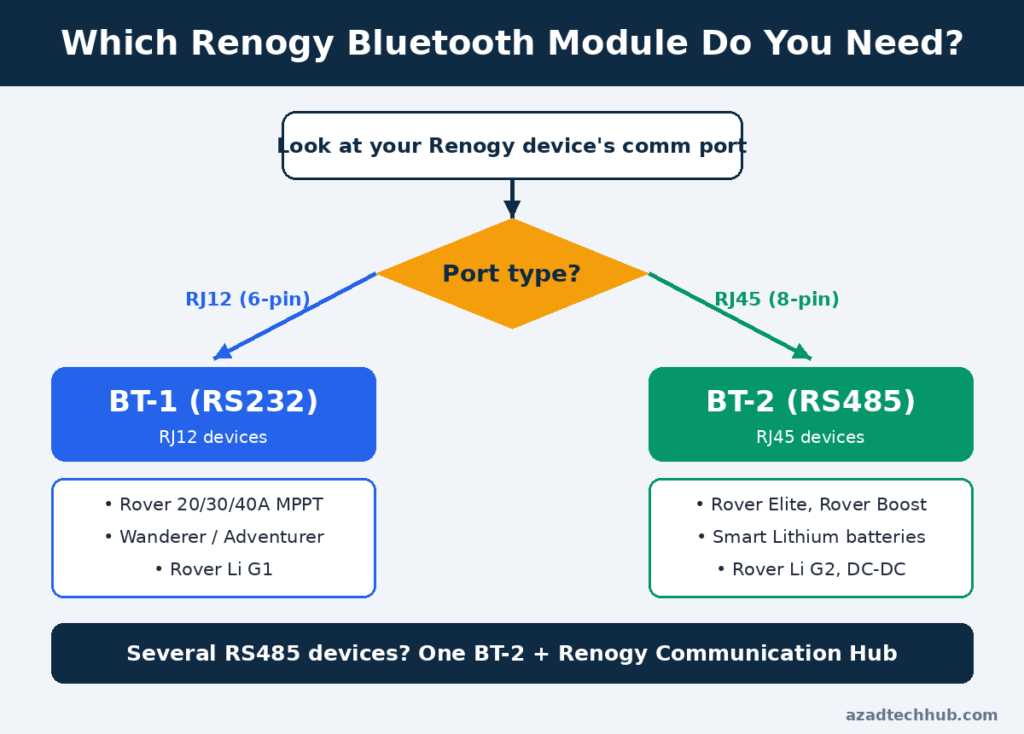
Quick answer: an RJ12 port (RS232) needs the BT-1. An RJ45 port (RS485) needs the BT-2. The classic Rover 40A has an RJ12 port, so it pairs with the BT-1.

- Superior MPPT Technology: Renogy MPPT Solar Charge Controller achieves a 98% conversion rate&99% tracking efficiency, en…
- All-Weather Solar Charge Controller: Renogy charge controller operates from-40°F to 149°F, with built‑in low‑temp protec…

Table of Contents
Table of Contents
Renogy BT-1 vs BT-2 Bluetooth Module: Key Differences
Both modules do the same job. They read data from your solar equipment over a serial link and send it to your phone over Bluetooth, so you can watch PV voltage, battery voltage and charge current without standing next to the controller. The difference is the language and the plug.
| Feature | BT-1 | BT-2 |
|---|---|---|
| Communication protocol | RS232 | RS485 |
| Port type | RJ12 (6-pin) | RJ45 (8-pin) |
| Input voltage | 5V | 5V or 12V |
| Range | Up to 82 ft (25 m) | Up to 82 ft (25 m) |
| Typical devices | Rover, Wanderer, Adventurer | Rover Elite, Rover Boost, smart lithium batteries, DC-DC chargers |
Renogy publishes its own interoperability matrix in its official BT-1 vs BT-2 guide, and I recommend checking your exact SKU against it before you buy.

How to Tell Which Module Your Device Needs
Look at the port, not the product name. An RJ12 connector is narrower and has six contacts. An RJ45 connector is the same size as an Ethernet port and has eight. They look alike at a glance, but they are not interchangeable, and you should never force one into the other.
Some products are tricky. Renogy notes that the Rover Li series is split by generation: G1 versions use RS232 and work with the BT-1, while G2 versions use RS485 and work only with the BT-2. If you have several RS485 devices, one BT-2 plus a Renogy Communication Hub can monitor them all.

Renogy Rover 40A and the BT-1
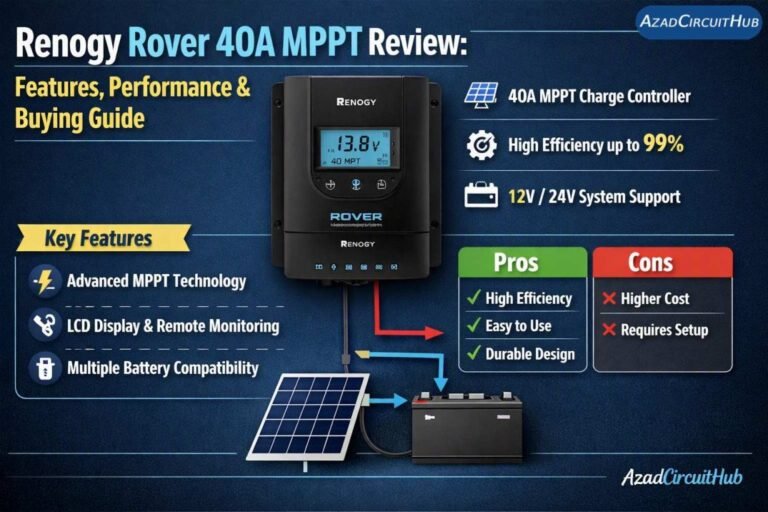
The classic Renogy Rover 40A MPPT Solar Charge Controller has an RJ12 communication port, which is why it pairs with the BT-1. Do not confuse it with the Rover Elite 40A, which is a different product that uses RS485 and needs the BT-2.
- Superior MPPT Technology: Renogy MPPT Solar Charge Controller achieves a 98% conversion rate&99% tracking efficiency, en…
- All-Weather Solar Charge Controller: Renogy charge controller operates from-40°F to 149°F, with built‑in low‑temp protec…
- Full Protection Solar Controller: with rust/corrosion‑resistant build and complete electrical safeguards–reverse polarit…
I covered the controller itself in my Renogy Rover 40A MPPT review. If you are still deciding on size, my Renogy Rover 40A vs 60A comparison walks through the trade-offs. Renogy’s compatibility lists differ across Rover models, so confirm the exact SKU before ordering any module.
For a camper build, see how this controller performs in my best MPPT charge controller for van life pick. The BT-1 is the easy upgrade that replaces walking to the controller with a glance at your phone.
Renogy BT App vs DC Home App
Whichever Renogy BT-1 vs BT-2 Bluetooth module you choose, the app side is simple. The BT-1 works with the older Renogy BT app and with the newer DC Home app, and the BT-2 works with DC Home. In the field this means most new buyers will end up in DC Home whichever module they choose, and app availability can change, so check the store listing for your phone.
Renogy also publishes a BT-2 manual on its product page. It covers the LED indicators and pairing steps, and it is worth downloading if you installed the module without instructions.
How to Install and Pair the Renogy BT-1 vs BT-2 Bluetooth Module
- Mount the module indoors, protected from direct sun and rain. Renogy specifies an operating range of -4°F to 185°F.
- Plug the cable into the RJ12 port (BT-1) or RJ45 port (BT-2) on the device.
- Wait for the power LED to turn solid green.
- Open the app and add the device. Pair inside the app, not in your phone’s Bluetooth settings.
- When the blue LED flashes, the module is communicating.

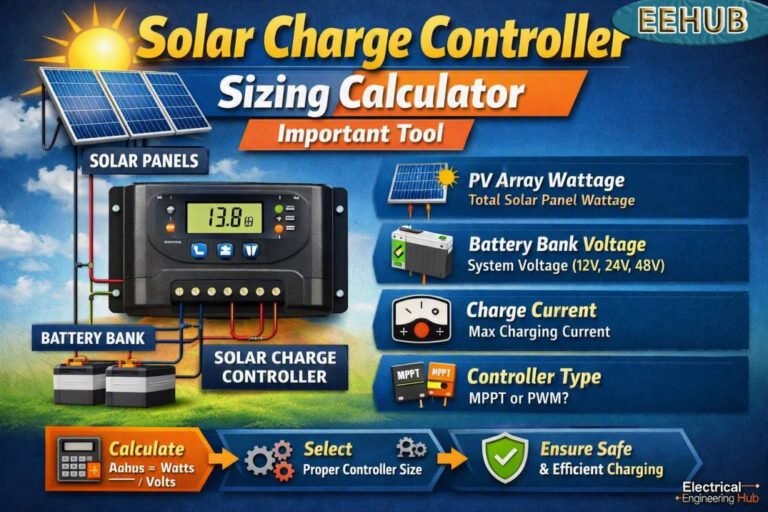
Monitoring only helps if the system is built correctly. Before adding a module, confirm the controller is the right size with my solar charge controller sizing calculator and check your wiring with the DC cable size calculator. If you are comparing controllers from scratch, start with my best solar charge controller guide.
Which Renogy BT-1 vs BT-2 Bluetooth Module Should You Buy?
Choose the BT-1 if your controller has an RJ12 port, such as the classic Rover, Wanderer or Adventurer. Choose the BT-2 if you have an RJ45 port, such as the Rover Elite, a smart lithium battery or a DC-DC charger. Both modules usually sell in the mid-$30 range, so price should not decide it. The port should.
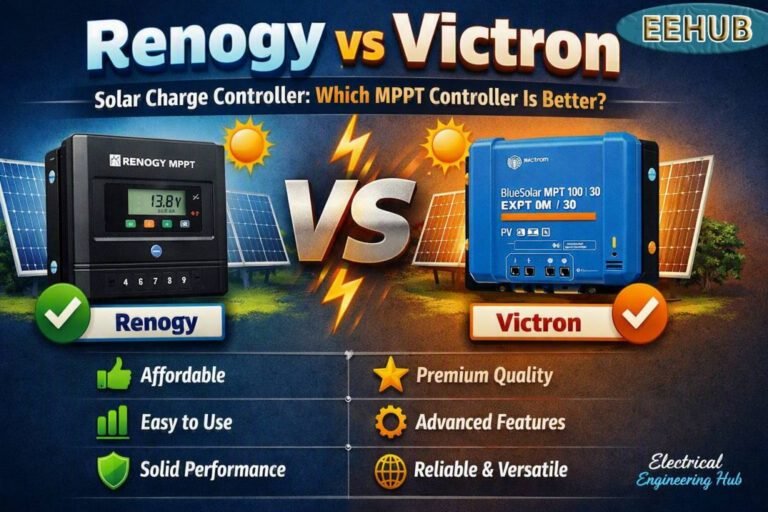
If you do not want a separate module at all, some controllers have Bluetooth built in. My Victron SmartSolar 100/30 review and Renogy vs Victron comparison show that trade-off.
Check the current price of the Renogy Rover 40A MPPT Solar Charge Controller on Amazon
Final Verdict on the Renogy BT-1 vs BT-2 Bluetooth Module
The Renogy BT-1 vs BT-2 Bluetooth module choice is simple once you read the port: RJ12 means BT-1, RJ45 means BT-2. For the classic Rover 40A, the BT-1 is the match. Verify your SKU against Renogy’s matrix and you will avoid the most common mistake, which is buying the wrong module.
FAQ
Is the Renogy BT-2 compatible with the Rover 40A?
Only if your controller has an RJ45 (RS485) port. The classic Rover 40A uses RJ12, so it takes the BT-1. The Rover Elite 40A uses RS485 and takes the BT-2.
Can I plug a BT-1 into an RJ45 port?
No. RJ12 and RJ45 have different widths and contact counts, and they carry different protocols, so they are physically and electrically incompatible.
Is this the same as BT1 vs BT2 on a Bluetooth mouse?
No. On a multi-device mouse, BT1 and BT2 are just pairing slots for two computers. The Renogy modules are solar-monitoring hardware.
What is the range of the Renogy BT-1 vs BT-2 Bluetooth module?
Renogy rates both for up to 82 ft (25 m). Thick walls or longer distances can weaken the signal.
Do the modules work with non-Renogy devices?
Renogy says compatibility is only partial and cannot be guaranteed outside its own equipment.
Related Guides
- Best Solar Charge Controller for LiFePO4 Batteries
- Best MPPT Charge Controller for 12V 200Ah Battery
- Best 40 Amp MPPT Charge Controller Reviews
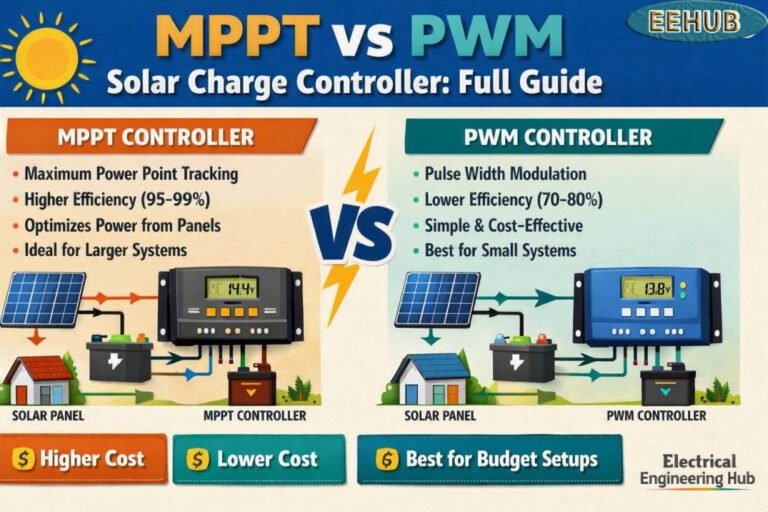
- MPPT vs PWM Solar Charge Controller Guide
- EPEVER Tracer 4210A Review
- All Solar Charge Controller Reviews
Get new guides in your feed. Follow Electrical Insights on LinkedIn for new electrical standards guides, calculators and design tips from Azad Circuit Hub.