Brother PT-H110 vs PT-D210: Which Label Maker to Buy (2026)
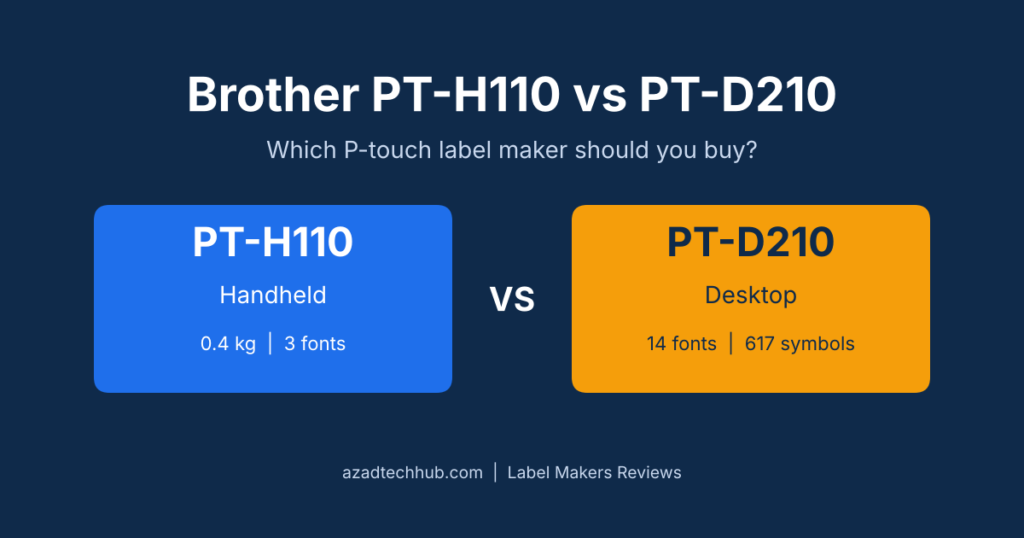
Brother PT-H110 vs PT-D210 is the comparison most buyers reach when they want a durable P-touch label maker without paying for a computer-connected model. Both machines print laminated TZe labels up to 12 mm wide at 20 mm per second, so the real choice comes down to shape, fonts and design extras. In short, the PT-H110 suits quick, practical labelling in your hand, while the PT-D210 suits desk work and decorative labels. This guide compares them spec by spec so you can pick without second-guessing.
Quick Verdict: Brother PT-H110 vs PT-D210
- Pick the PT-H110 if you want a compact handheld unit for cables, shelves, folders and tool boxes, and you only need simple fonts and frames.
- Pick the PT-D210 if you label mostly at a desk and want 14 fonts, hundreds of symbols and ready-made templates for decorative or gift labels.
- Step up to the PT-D600 class if you need wider tape or computer-based editing for panel and wire work.


For practical labelling, the P-touch PT-H110 is the one we would start with.
Brother PT-H110 vs PT-D210 Specs at a Glance
The table below puts the Brother PT-H110 vs PT-D210 numbers side by side. Retailer listings vary by region, so confirm the final details on the product page before you order.
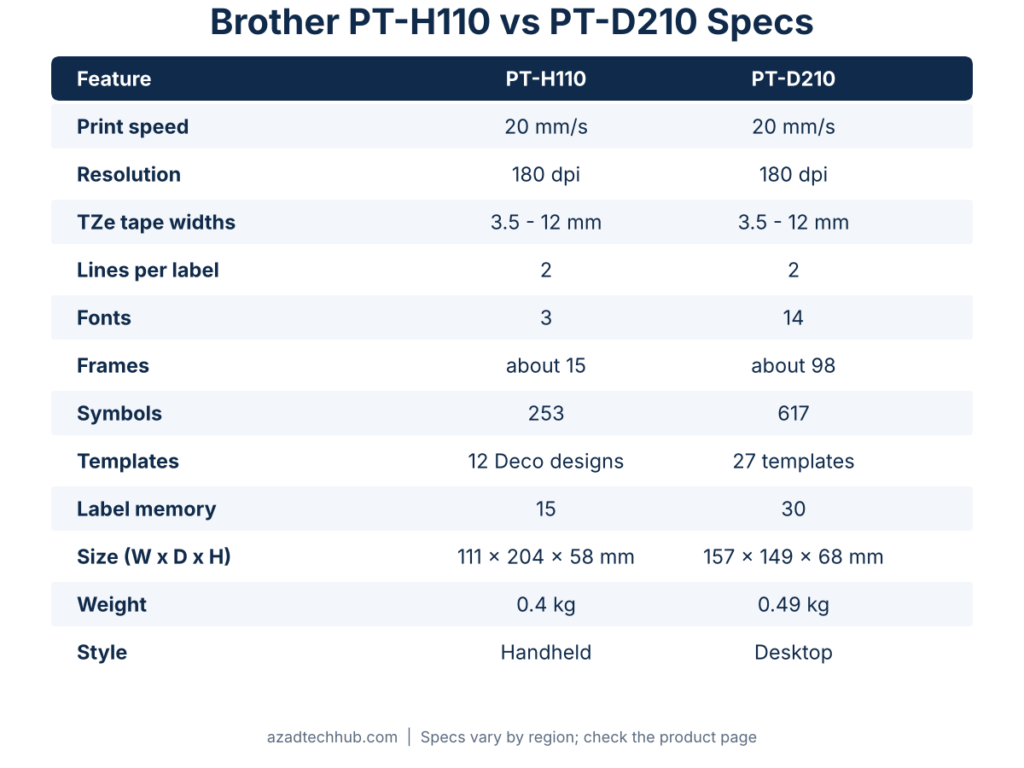
| Feature | Brother PT-H110 | Brother PT-D210 |
|---|---|---|
| Print speed | 20 mm/s | 20 mm/s |
| Resolution | 180 dpi | 180 dpi |
| TZe tape widths | 3.5, 6, 9, 12 mm | 3.5, 6, 9, 12 mm |
| Lines per label | 2 | 2 |
| Fonts | 3 | 14 |
| Frames | about 15 | about 98 |
| Symbols | 253 | 617 |
| Templates | 12 Deco Mode designs | 27 templates |
| Label memory | 15 memories | 30 labels |
| Power | 6 AAA or optional AC adapter | 6 AAA or optional AC adapter |
| Size (W x D x H) | 111 x 204 x 58 mm | 157 x 149 x 68 mm |
| Weight | 0.4 kg | 0.49 kg |
| Style | Handheld | Desktop and portable |
Print Quality and Tape: Where They Match
Both machines share the same core printing specs. Each prints at 180 dpi on Brother TZe laminated tape in 3.5, 6, 9 and 12 mm widths, with a maximum print height of 9 mm and label lengths from 30 to 300 mm. In practice, text sharpness and tape durability are the same whichever you choose. When you compare Brother PT-H110 vs PT-D210 on print quality alone, there is no winner.
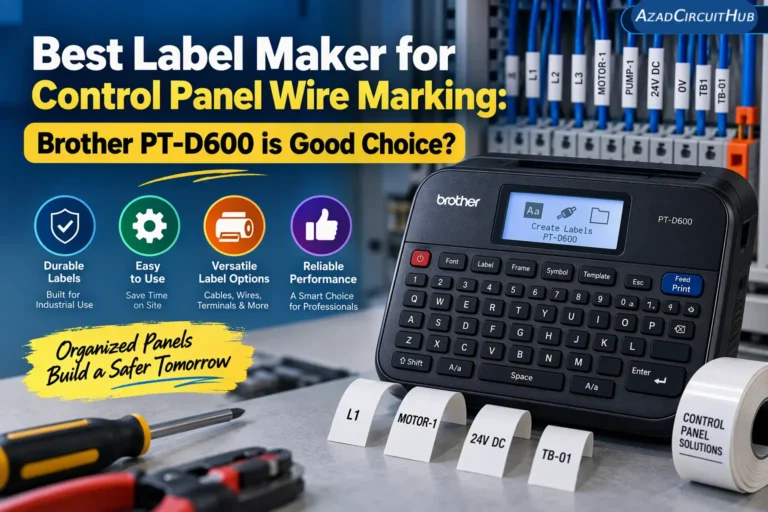
That 180 dpi output is fine for office, workshop and home labels. If you mark small wires inside control panels, read our Best Label Maker for Control Panel Wire Marking guide first, because a wider-tape, computer-connected model such as the PT-D600 may suit that job better.
Design Features: PT-D210 Wins on Creativity
The PT-D210 is built for personalisation. It offers 14 fonts, 10 character styles, about 98 frames, 617 symbols and 27 pre-designed templates, and it stores up to 30 labels for reprinting. The PT-H110 keeps things simpler with 3 fonts, 10 character styles, roughly 15 frames, 253 symbols, 12 Deco Mode designs for 12 mm tape and 15 programmable memories.
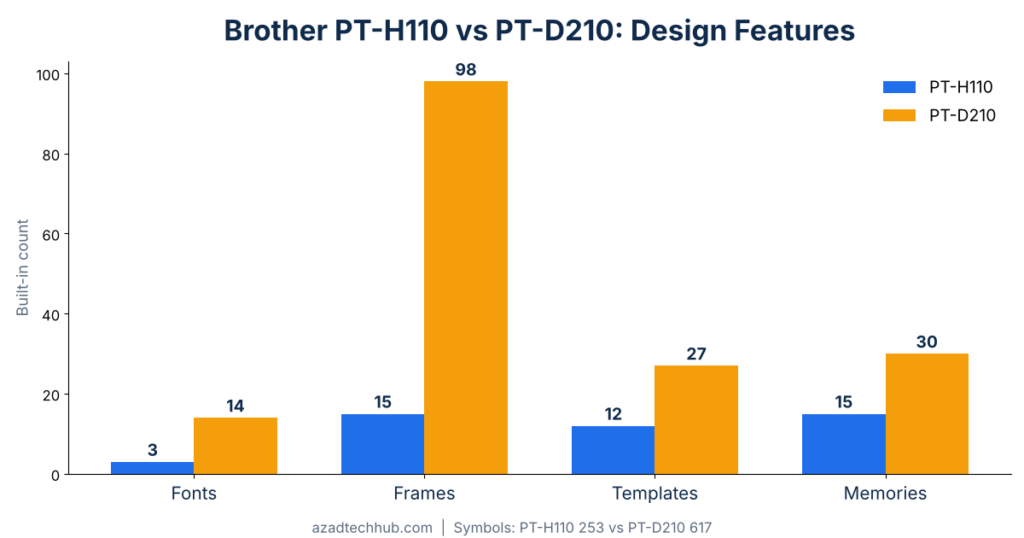
If you make gift tags, craft labels or colourful home-organisation labels, the D210 gives you far more to play with. For a workshop label that only has to say “Breaker 12 – Pump”, extra fonts rarely matter. In the Brother PT-H110 vs PT-D210 feature race, the D210 offers more options, but more options do not always mean faster labelling.
Portability and Handling: PT-H110 Wins in the Hand
The PT-H110 is a true handheld at 111 x 204 x 58 mm and 0.4 kg. The PT-D210 is wider and shorter at 157 x 149 x 68 mm and 0.49 kg, which suits a desk better. Both run on six AAA batteries, with an optional AC adapter, so either one works away from a power outlet.
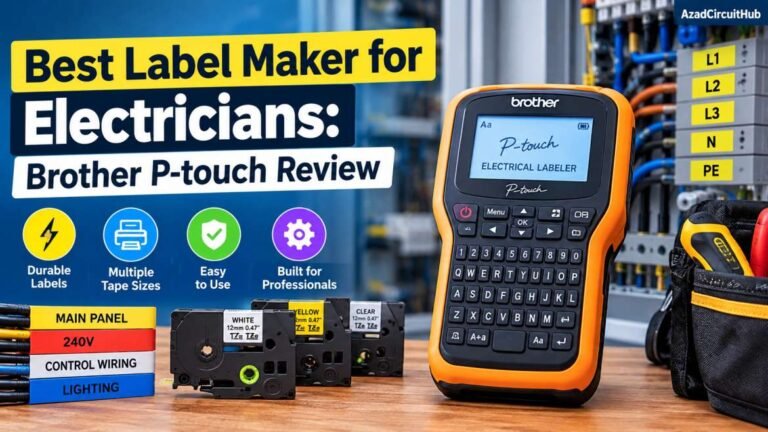
Electricians and technicians who label while walking a job will appreciate the handheld shape. Our Best Label Maker for Electricians: Brother P-touch Review shows how a P-touch performs on real panels. On handling, the Brother PT-H110 vs PT-D210 verdict is simple: the H110 is easier to carry on the job, and the D210 keyboard layout is easier at a desk.
Brother PT-H110 vs PT-D210: Which Should You Buy?
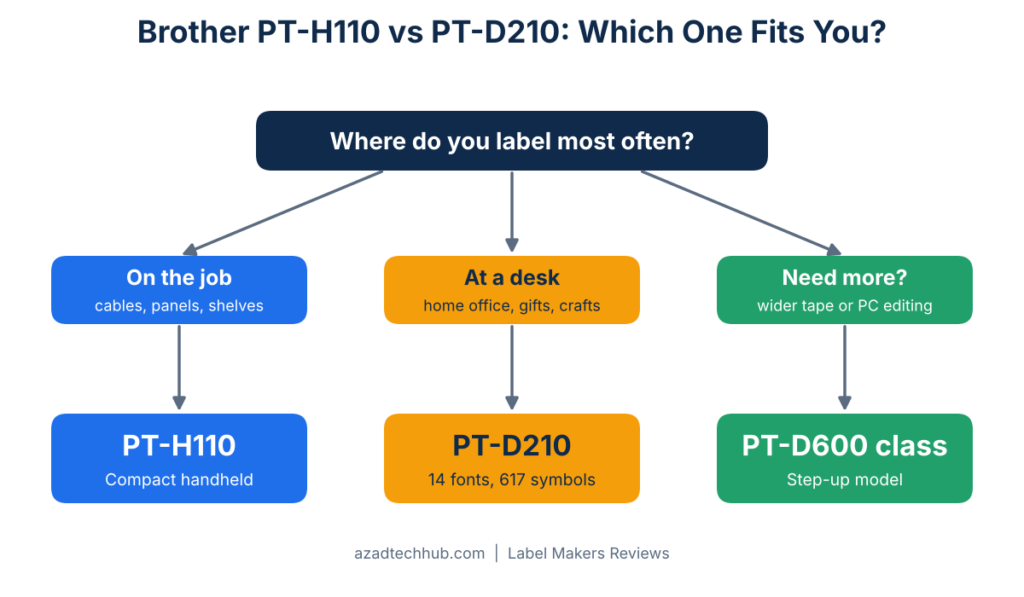
Match the machine to the work you do most:
- Cables, folders, shelves and toolboxes: choose the PT-H110.
- Desk labelling, home office, gifts and crafts: choose the PT-D210.
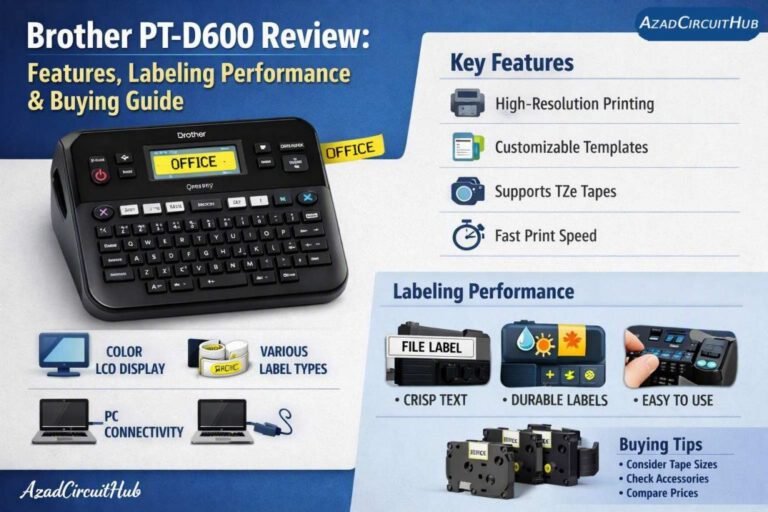
- Panel wiring, wider tape or PC-based editing: look at the PT-D600 in our Brother PT-D600 Review.
Because both use the same TZe cassettes, your running cost per label is the same. Each ships with a starter 12 mm black-on-white cassette, so you can print straight away. Buy a spare cassette or two in your most-used colour, and browse more options in our label makers reviews section.
Brother PT-H110 vs PT-D210 FAQ
Is the PT-H110 or PT-D210 better?
Neither wins outright. The PT-H110 is better for handheld, practical labelling, and the PT-D210 is better for desk use and decorative labels.
Do both use the same tape?
Yes. Both use Brother TZe laminated tape in 3.5, 6, 9 and 12 mm widths, and neither prints wider than 12 mm.
Can they run without mains power?
Yes. Each takes six AAA batteries, and an AC adapter is optional.
Can I design labels on a computer?
Both are keyboard-driven label makers aimed at home and office use. If computer-based design matters, look at the PT-D600 class and confirm connectivity on the listing before you buy.
Final Verdict on Brother PT-H110 vs PT-D210
The Brother PT-H110 vs PT-D210 choice is really about how you work. Pick the PT-H110 for a compact handheld that gets labels onto cables, shelves and equipment quickly. Pick the PT-D210 if fonts, frames and templates matter more than portability. For wider tape and computer editing, step up to the PT-D600.
Get new guides in your feed. Follow Electrical Insights on LinkedIn for new electrical standards guides, calculators and design tips from Azad Circuit Hub.