Brother PT-D600 Review: Features, Labeling Performance & Buying Guide
A reliable label maker is a small tool that can save a surprising amount of time in electrical work. I have spent more than 15 years working around electrical panels, automation systems, PLCs, and industrial equipment, and clear labeling has always been part of good field practice. A readable wire, terminal, breaker, or control-panel label makes troubleshooting much easier.
In this brother pt-d600 review, I am looking at the PT-D600 series from a practical user perspective, including its labeling features, tape compatibility, connectivity, and suitability for electrical and technical work. I am also comparing it with the newer Brother P-Touch PT-D460BT Business Expert model listed for purchase.
Brother PT-D600 Review Features at a Glance
| Feature | Brother PT-D600 |
|---|---|
| Product type | Desktop label maker |
| Label family | Brother TZe tapes |
| Maximum tape width | Approximately 24 mm / 0.94 in |
| Printing | Thermal transfer |
| Display | Backlit graphic display |
| Keyboard | QWERTY-style |
| Power | AC adapter or batteries |
| Typical uses | Electrical panels, cables, offices, equipment |
| Connectivity | USB on PT-D600 |
| Tape styles | Multiple TZe colors and finishes |
| Best suited for | Professional and technical labeling |
The PT-D600 is designed more like a compact desktop labeling system than a basic handheld label printer. That distinction matters when you need multiple lines, symbols, different font sizes, or organized labels.
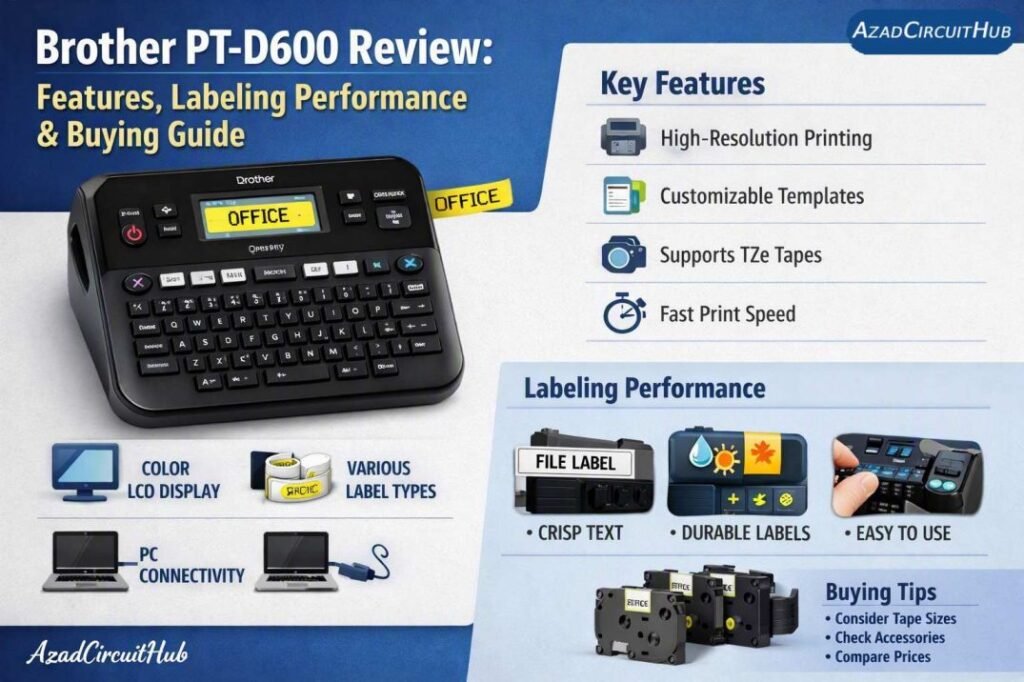
Table of Contents
Table of Contents
brother pt-d600 review: What Makes It Useful?
The biggest advantage of the PT-D600 is control. You can create labels directly from the built-in keyboard without needing a computer for every small job.
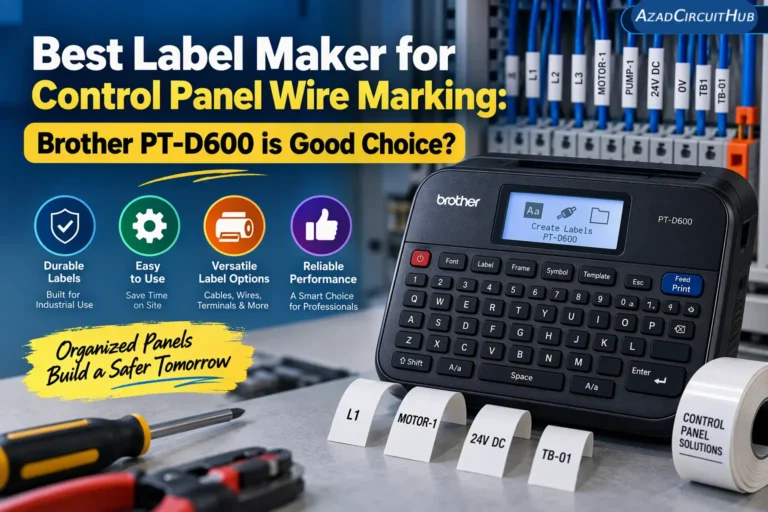
For an electrician or maintenance technician, that is useful when labeling control panels, distribution boards, junction boxes, cable markers, switches, and equipment. You can enter a tag such as "MCC-01 PUMP-03," select the formatting, and print it immediately.
The backlit display is also useful when working in a workshop or a dim electrical room. The larger desktop-style design gives you more room to enter and format text compared with many tiny handheld label makers.
Another benefit is Brother's TZe tape range. Different tape widths, colors, adhesive types, and finishes make it possible to create labels for different applications.
Looking for a reliable label maker for home, office, workshop, or electrical organization? Check our Amazon Idea List for selected label makers, with options for different labeling needs and budgets.
Labeling Performance for Electrical Work
A label printer does not replace proper identification standards, but it can make everyday electrical documentation much easier.
I find a label maker particularly useful for:
- Control panel component identification
- PLC input and output labels
- Terminal blocks
- Push buttons and selector switches
- Circuit breakers
- Cable identification
- Instrumentation panels
- Network and communication cables
- Workshop storage bins
- Tool cabinets
For temporary troubleshooting work, you can print a quick identification label. For permanent installations, select a tape designed for the environment where it will be used.
Temperature, moisture, chemicals, sunlight, abrasion, and the surface material can all affect label durability. For outdoor or industrial applications, check the specifications of the particular TZe tape instead of assuming every tape has the same resistance.
Brother TZe Tape Compatibility
One of the important things to check before buying is the tape system.
The PT-D600 uses Brother TZe laminated tapes. These are available in different widths and combinations of text and background colors. Some options are intended for stronger adhesion or specific environments.
| Tape Consideration | Why It Matters |
|---|---|
| Width | Determines how much text fits comfortably |
| Color | Helps organize equipment or circuits |
| Adhesive | Important for difficult surfaces |
| Finish | Affects appearance and readability |
| Environment | Determines required durability |
| Length | Affects cost per label |
For electrical panel work, I generally prefer labels that remain easy to read after installation. Small labels may look neat, but cramming too much information onto them can reduce practical readability.
Brother PT-D600 Connectivity and Workflow
The PT-D600 includes USB connectivity, allowing it to work with a computer-based labeling workflow. This can be helpful when you need to prepare a larger batch of standardized labels.
For example, a maintenance department could prepare consistent equipment tags before a shutdown. Instead of entering each label manually, technicians can organize the information first and then print the required labels.
This is where a desktop label printer can be more useful than a simple handheld label maker. The built-in keyboard handles quick jobs, while computer connectivity supports more structured labeling.
If you prefer Bluetooth-based printing, the Brother P-Touch PT-D460BT Business Expert Connected Label Maker is another model worth considering. It supports Bluetooth connectivity and Brother TZe tape cartridges up to about 3/4 inch.
Compare practical label-making options in our Amazon Idea List and find a model that fits your workspace, storage, cable, or equipment labeling needs.
Check the Brother PT-D460BT price on Amazon: Buy Brother P-Touch PT-D460BT on Amazon
PT-D600 vs PT-D460BT
The supplied Amazon product is the PT-D460BT, so it is worth understanding where it fits into the Brother P-Touch family.
| Feature | PT-D600 | PT-D460BT |
|---|---|---|
| Product style | Desktop label maker | Business label maker |
| TZe tape support | Yes | Yes |
| Bluetooth | No | Yes |
| Computer workflow | USB | Bluetooth and connected workflow |
| Direct keyboard | Yes | Yes |
| Best use | Technical and office labeling | Business and mobile-connected labeling |
If Bluetooth connectivity is important to your workflow, the PT-D460BT deserves consideration. If you already prefer the PT-D600's desktop format and USB workflow, the older model may still fit your needs depending on availability and price.
Is the Brother P-Touch PT-D460BT Good for Electricians?
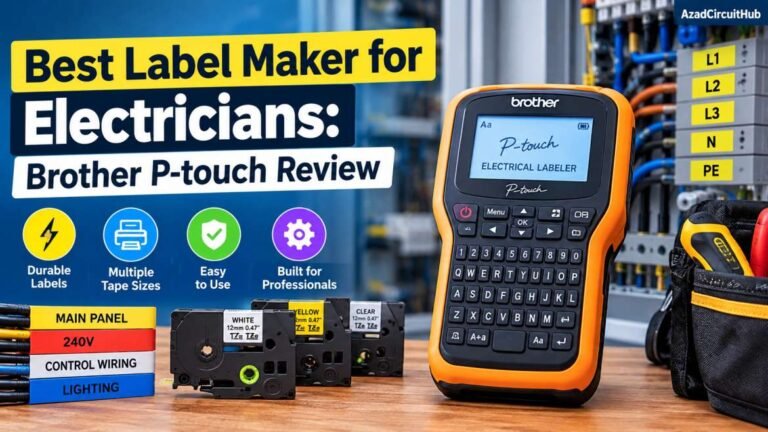
For general electrical labeling, the PT-D460BT can be a useful addition to a technician's toolbox or workshop.
The main benefit is consistency. Instead of writing cable and equipment identifiers by hand, you can produce clean labels with repeatable formatting.
It is particularly useful for:
- Panel schedules
- Control circuit identification
- Equipment tags
- Cable and wire identification
- Workshop organization
- Network equipment
- Maintenance documentation
However, the correct tape remains important. Electrical installations can expose labels to heat, oil, moisture, dust, and abrasion. Choose a Brother tape designed for the actual installation conditions.
What I Like About This Brother Label Maker
From an electrical engineering and maintenance perspective, I would focus on five practical benefits.
Easy direct operation: You do not need a computer for basic labels.
Professional appearance: Printed labels are generally cleaner and more consistent than handwritten markings.
Tape selection: TZe tapes give you flexibility for different labeling tasks.
Desktop usability: The larger format is comfortable for preparing longer labels and multiple lines.
Technical applications: The combination of symbols, formatting, and tape choices makes the system suitable for panels, equipment, and maintenance work.
The main limitation is that a desktop label maker is not the same thing as a dedicated industrial wire-marker printer. If you need large-scale production labeling or specialized heat-shrink identification, a purpose-built industrial system may be more appropriate.
Is It Worth Buying?
The answer depends on how often you create labels. Someone who only labels a few storage boxes may not need a professional P-Touch machine. An electrician, maintenance technician, controls engineer, installer, or workshop manager can get much more value from it.
The ability to create consistent labels quickly becomes useful when working on control panels or maintaining a large amount of equipment.
If you are purchasing the newer connected model, check the current Amazon price, included accessories, supported tape widths, and whether the package includes an AC adapter or starter tape.
See the current Brother P-Touch PT-D460BT listing on Amazon: Check Price & Availability on Amazon
Frequently Asked Questions
What tapes does the Brother PT-D600 use?
The PT-D600 uses Brother TZe laminated tapes. TZe cartridges are available in various widths, colors, finishes, and adhesive options.
Is the Brother PT-D600 good for electrical panel labeling?
Yes. Its formatting options and range of TZe tapes make it suitable for many panel, terminal, equipment, and cable identification tasks. Select the tape according to the installation environment.
Can the Brother PT-D600 print from a computer?
Yes. The PT-D600 supports USB connectivity for computer-based label creation, in addition to direct operation from its integrated keyboard.
Is the PT-D460BT better than the PT-D600?
They serve similar labeling needs but have different connectivity and product features. The PT-D460BT adds Bluetooth connectivity, while the PT-D600 is a desktop-oriented model with USB connectivity. Your preferred workflow should guide the choice.
What is the maximum tape width for the PT-D600?
The PT-D600 supports Brother TZe tapes up to approximately 24 mm wide. The available print area and practical text size will vary with the selected tape width and formatting.
Final Verdict
This brother pt-d600 review shows why the P-Touch platform remains useful for professional labeling. The PT-D600 offers a practical combination of direct keyboard operation, computer connectivity, formatting flexibility, and a broad TZe tape selection.
For electricians and maintenance professionals, its real value is not simply producing attractive labels. It helps create consistent identification across panels, equipment, cables, terminals, and workspaces.
If you want Bluetooth connectivity, the Brother P-Touch PT-D460BT Business Expert is a closely related option to consider. Before purchasing, compare the current Amazon price, tape requirements, connectivity, and the type of labeling you perform most often.
Get new guides in your feed. Follow Electrical Insights on LinkedIn for new electrical standards guides, calculators and design tips from Azad Circuit Hub.
#BrotherPTD600, #BrotherPTD600Review, #LabelMaker, #LabelPrinter, #BrotherLabelMaker, #PTD600, #LabelingTools, #ElectricalLabels, #IndustrialLabeling, #LabelMakerReview