Best 5 Online Webcam Recorder: Top 1080p Webcams for PC and Laptop
Choosing the right webcam can make a noticeable difference when recording videos, attending online meetings, teaching remotely, or creating content. A good Online Webcam Recorder should provide clear video, reliable autofocus or fixed-focus performance, a useful microphone, and simple USB connectivity.
As an electrical engineer with hands-on experience working with computers, automation systems, and technical equipment, I pay close attention to practical details such as connection reliability, image quality, microphone performance, and plug-and-play compatibility. For this guide, I have compared five affordable 1080p webcams that are suitable for everyday recording and video calls.
Best 5 Online Webcam Recorder at a Glance
| Webcam | Video Resolution | Microphone | Privacy Cover | Best For |
|---|---|---|---|---|
| Logitech Brio 101 | Full HD 1080p | Built-in | Yes | Overall choice |
| NexiGo N60 | Full HD 1080p | Built-in noise-canceling | Yes | Video calls |
| TRAUSI 1080P | Full HD 1080p | Noise-canceling | Varies by package | Budget recording |
| NIVEOLI 1080P | Full HD 1080p | Built-in | Yes | Privacy-conscious users |
| Xweiryn 1080P | HD 1080p | Built-in | Varies | Basic home use |
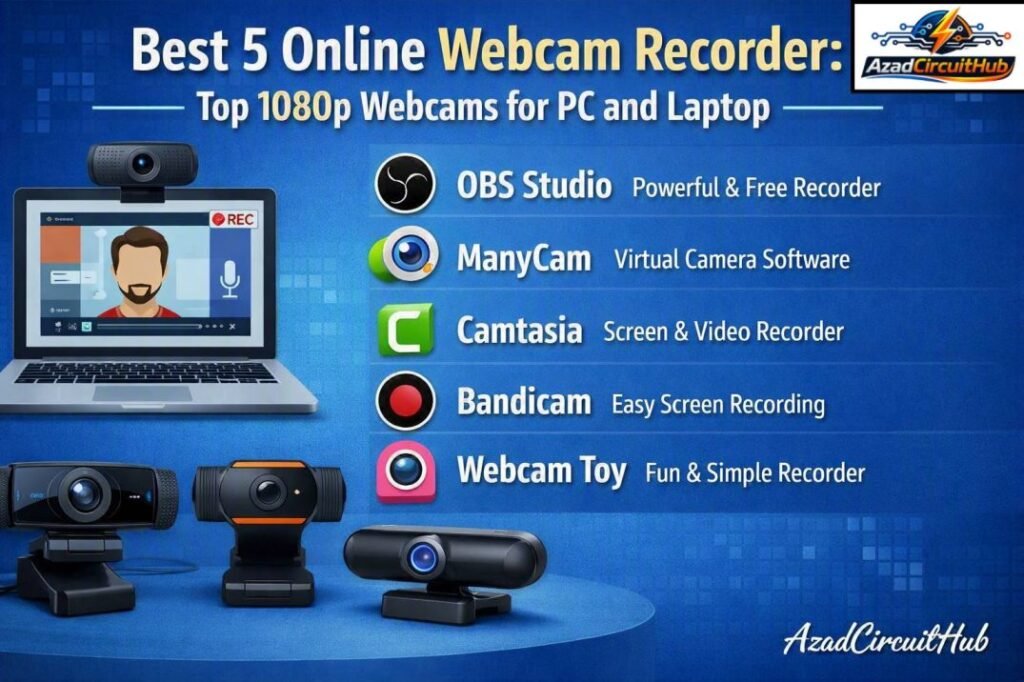
Table of Contents
Table of Contents
1. Logitech Brio 101 Full HD 1080p Webcam
The Logitech Brio 101 is a strong choice for users who want a dependable webcam from an established computer accessory brand. It records in Full HD 1080p and is designed for video meetings, online classes, streaming, and casual content creation.
Its compact design makes it easy to position on a laptop, desktop monitor, or other suitable display. USB connectivity also keeps installation simple for users who do not want to deal with complicated drivers or additional hardware.
Key features
- Full HD 1080p video
- Built-in microphone
- Automatic light correction
- Privacy shutter
- USB connectivity
- Compact design
- Suitable for common video-conferencing platforms
The Brio 101 is particularly appealing for office workers, students, and remote professionals who want consistent video without spending heavily on specialist equipment.
Best for
Choose the Logitech if brand reliability, simple setup, and everyday Full HD video are more important than advanced streaming controls.
Check the current Amazon price: Buy Logitech Brio 101 on Amazon
2. NexiGo N60 1080P Webcam with Microphone
The NexiGo N60 is one of the more feature-focused choices in this price category. It combines 1080p video with a built-in microphone and a wide viewing angle, making it useful when more than one person needs to appear in the frame.
For an Online Webcam Recorder used in meetings, online teaching, interviews, and presentations, the wider field of view can be useful. It allows the camera to capture more of the surrounding area without requiring the user to sit extremely close to the lens.
The built-in noise-canceling microphone is another advantage for users working in rooms where background sounds are present.
NexiGo N60 highlights
| Feature | Details |
|---|---|
| Resolution | 1920 × 1080 Full HD |
| Microphone | Built-in noise-canceling |
| Connection | USB |
| Field of view | Wide-angle design |
| Compatibility | Common PC operating systems |
| Suitable uses | Meetings, streaming, classes, recording |
If you frequently join Zoom, Teams, or other online meetings, the N60 offers a practical balance between image quality and convenience.
See the NexiGo N60 on Amazon: Check Price & Availability
3. TRAUSI 1080P FHD Webcam with Noise-Canceling Mic
The TRAUSI 1080P webcam targets buyers who want Full HD video and a built-in microphone without moving into a higher price range. Its 1080p resolution is suitable for online meetings, social media recordings, remote learning, and basic YouTube production.
The noise-canceling microphone can help make speech easier to hear by reducing some unwanted environmental noise. However, users creating professional audio content should still consider a dedicated USB microphone because a built-in webcam microphone cannot normally match a good standalone microphone.
This camera makes sense for a home office or student workstation where simplicity matters.
Why consider TRAUSI?
- 1080p Full HD video
- Built-in noise-canceling microphone
- USB plug-and-play setup
- Suitable for desktops and laptops
- Useful for video conferencing
- Budget-friendly option
Want to compare today's deal? Shop the TRAUSI 1080P Webcam on Amazon
4. NIVEOLI Webcam 1080P with Microphone & Privacy Cover
Privacy is increasingly important for people who keep a webcam connected to their computer. The NIVEOLI 1080P webcam addresses this concern with a physical privacy cover, allowing users to block the camera lens when it is not being used.
For an Online Webcam Recorder used in a bedroom, home office, dormitory, or shared workspace, this small feature can provide additional peace of mind.
The webcam also offers 1080p video and a built-in microphone, making it suitable for routine video calls and recordings.
NIVEOLI features
| Feature | Benefit |
|---|---|
| 1080p video | Clearer image for calls and recording |
| Built-in microphone | No separate microphone required |
| Privacy cover | Physically blocks the lens |
| USB connection | Simple installation |
| PC/laptop use | Flexible workstation setup |
This is a sensible choice for students, remote workers, and anyone who values physical webcam privacy.
Check the latest Amazon deal: Buy NIVEOLI 1080P Webcam on Amazon
5. Xweiryn Webcam for PC, HD 1080P USB Plug-and-Play
The Xweiryn 1080P webcam is aimed at buyers who want a straightforward camera for everyday computer use. Its USB plug-and-play design reduces setup complexity, which is useful for users who are not particularly technical.
The 1080p resolution is sufficient for video conferencing, online classes, basic recordings, and casual streaming. As with other inexpensive webcams, the final image will also depend on room lighting, monitor position, internet quality, and the software being used.
Where Xweiryn fits best
- Home video calls
- Online classes
- Remote work
- Casual video recording
- Basic streaming
- Laptop and desktop use
Looking for the lowest-cost option? Check Xweiryn Webcam Price on Amazon
Online Webcam Recorder Comparison
Before buying, it helps to compare the five cameras based on the features that matter most for everyday use.
| Model | Resolution | Mic | Privacy Feature | Recommended User |
|---|---|---|---|---|
| Logitech Brio 101 | 1080p | Yes | Privacy shutter | Office professionals |
| NexiGo N60 | 1080p | Yes | Yes | Meetings and calls |
| TRAUSI | 1080p | Noise-canceling | Check listing | Budget buyers |
| NIVEOLI | 1080p | Yes | Privacy cover | Privacy-focused users |
| Xweiryn | 1080p | Yes | Model/package dependent | Basic users |
What to Look for in a Webcam
Not every 1080p webcam delivers the same practical experience. Resolution is important, but it is only one part of the equation.
Video quality
A 1080p webcam produces a 1920 × 1080 image, which is generally sufficient for meetings, online teaching, and most casual content. Look beyond resolution and consider image processing, exposure, color reproduction, and performance under indoor lighting.
Microphone quality
A built-in microphone is convenient because it eliminates another device and cable. Noise-canceling microphones can also make speech easier to understand in moderately noisy environments.
For professional podcasts or high-quality voiceovers, however, a dedicated microphone remains the better option.
Privacy
A physical privacy shutter or cover is useful when the camera remains connected to your computer. It provides a simple mechanical barrier rather than relying entirely on software controls.
USB compatibility
Plug-and-play USB webcams are generally easier to install. Before purchasing, check the manufacturer's compatibility information for your operating system and preferred conferencing software.
Lighting
Even the best budget webcam can produce a poor image in a dark room. Position a lamp or window in front of you rather than directly behind you. Good lighting can often improve webcam quality more than moving from one inexpensive 1080p model to another.
Which Webcam Should You Buy?
The best choice depends on your priorities rather than simply selecting the camera with the longest feature list.
| Your Priority | Recommended Model |
|---|---|
| Established brand | Logitech Brio 101 |
| Wide-angle meetings | NexiGo N60 |
| Budget Full HD recording | TRAUSI 1080P |
| Physical privacy | NIVEOLI 1080P |
| Simple plug-and-play use | Xweiryn 1080P |
For most office and home users, the Logitech Brio 101 is the safest all-around pick. The NexiGo N60 is worth considering if you want a wider field of view and built-in noise-canceling audio.
Tips for Better Webcam Recordings
A good camera is only part of the recording setup. Follow these simple steps to get better results:
- Place the webcam close to eye level.
- Keep the main light in front of your face.
- Clean the lens before recording.
- Use a stable desk or monitor mount.
- Test the microphone before an important meeting.
- Close unnecessary applications during recording.
- Select 1080p in the recording software when available.
- Use a wired network connection when reliable upload performance is important.
These steps can improve the final recording without requiring expensive equipment.
Final Verdict
All five models provide a practical way to add Full HD video to a desktop or laptop. The Logitech Brio 101 stands out as the best overall option for users who value brand reputation and straightforward everyday performance. The NexiGo N60 is attractive for meetings and wider framing, while TRAUSI and Xweiryn focus on affordable basic recording.
The NIVEOLI 1080P is particularly interesting for buyers who want a physical privacy cover. Ultimately, the best Online Webcam Recorder depends on whether your priority is video calls, remote learning, privacy, streaming, or general home-office use.
Prices and availability can change, so check the current Amazon listing before purchasing, especially when comparing discounts and package variations.
Frequently Asked Questions
Is 1080p good enough for webcam recording?
Yes. 1080p provides a sharp enough image for most video calls, online classes, remote work, interviews, and casual content creation. Better lighting and camera positioning can further improve the result.
Do these webcams need separate drivers?
Most USB plug-and-play webcams are designed to work with common operating systems without complicated manual driver installation. However, compatibility can vary, so check the current manufacturer's specifications before buying.
Is a webcam microphone good enough for Zoom meetings?
A built-in webcam microphone is usually adequate for normal meetings and calls. For professional voice recording, podcasts, or videos where audio quality is critical, a dedicated microphone is generally preferable.
Is a privacy cover useful on a webcam?
Yes. A physical privacy cover blocks the camera lens when it is not being used. It is especially useful for laptops and computers in bedrooms, shared offices, dormitories, and other private spaces.
Which is the best webcam for online meetings?
The Logitech Brio 101 and NexiGo N60 are strong choices for online meetings. The Logitech is a good all-around option, while the NexiGo N60 can be preferable when a wider viewing angle and noise-canceling microphone are important.