Connect ESP8266MOD to Home Assistant: Step-by-Step Guide to Seamless Smart Home Integration
Smart homes have become increasingly popular, and one of the most versatile components for DIY automation is the ESP8266MOD microcontroller. Known for its Wi-Fi capability and low cost, the ESP8266MOD allows you to create custom smart devices that integrate directly with platforms like Home Assistant. If you want to connect ESP8266MOD to Home Assistant, this guide walks you through the process step by step, ensuring seamless integration and efficient performance.
Table of Contents
What is ESP8266MOD and Why Use It with Home Assistant?
The ESP8266MOD is a Wi-Fi-enabled microcontroller that supports programming via Arduino IDE, MicroPython, or NodeMCU firmware. Its compact design and wide community support make it ideal for smart home projects. Home Assistant, on the other hand, is an open-source automation platform that connects multiple smart devices under a single interface. By integrating ESP8266MOD with Home Assistant, you can control sensors, relays, lights, and other devices from a unified dashboard.
Know more about Programmable Logic Controller vs Arduino
Prerequisites for Integration
Before you begin, ensure you have the following:
| Item | Purpose |
|---|---|
| ESP8266MOD Module | Acts as the smart device controller |
| USB to TTL Adapter | For programming the ESP8266MOD |
| Arduino IDE | To upload firmware or sketches |
| Home Assistant Instance | Running on Raspberry Pi, Docker, or VM |
| Stable Wi-Fi Network | For communication between ESP8266MOD and Home Assistant |
| Jumper Wires & Breadboard | For connecting sensors or relays |
Having these items ready will save time and prevent common connection issues.
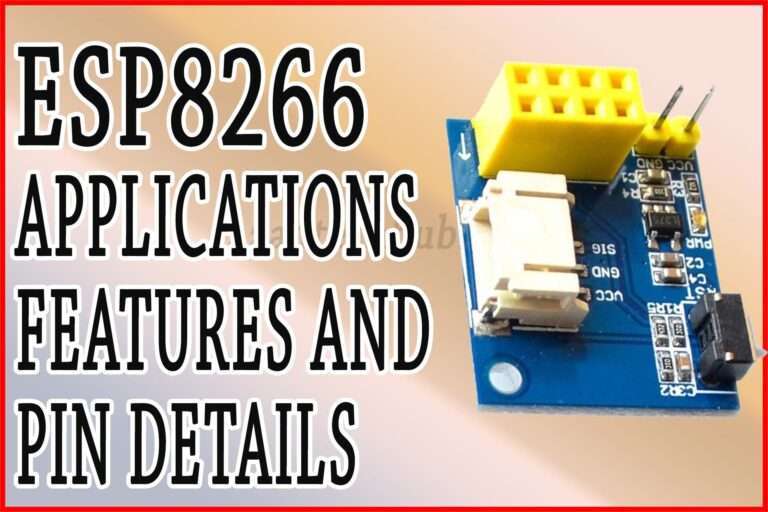
Here is a detailed guide on esp12f pinout
Flashing ESP8266MOD with Firmware
The first step to connect ESP8266MOD to Home Assistant is flashing it with compatible firmware. One of the most popular options is Tasmota or ESPHome, which provides native integration with Home Assistant.
- Install Arduino IDE: Ensure you have the latest version installed and configure it for ESP8266 boards by adding the ESP8266 board URL under Preferences.
- Select ESP8266 Board: Choose the correct ESP8266MOD module from the board manager.
- Install Libraries: For ESPHome, you need to install the ESPHome library in Arduino IDE.
- Write or Upload Sketch: You can either write your own code or use pre-configured ESPHome YAML configuration for devices like switches, sensors, or lights.
- Upload Firmware: Connect your ESP8266MOD to the computer using a USB-to-TTL adapter and upload the firmware.
Once flashed, the ESP8266MOD will be ready to communicate with Home Assistant over Wi-Fi.
Know more about Best WiFi Modules for Smart Home Projects (ESP8266, ESP32, ESP12F)
Setting Up Home Assistant for ESP8266MOD
To complete the integration, Home Assistant needs to recognize your ESP8266MOD device. The simplest method is using ESPHome Add-on in Home Assistant:
- Navigate to Settings → Add-ons → ESPHome.
- Click Install if not already installed.
- Open the ESPHome dashboard and click + New Device.
- Follow the prompts to enter your ESP8266MOD’s name and Wi-Fi credentials.
- Upload the configuration over the network or USB.
Home Assistant will automatically detect your device once it’s connected to the same Wi-Fi network.
Connecting Sensors and Devices
ESP8266MOD can be connected to a wide range of devices. Common examples include temperature sensors, motion detectors, and relays for lights or appliances.
| Device Type | ESP8266MOD Pin | Home Assistant Function |
|---|---|---|
| DHT22 Sensor | GPIO4 | Temperature & Humidity Monitoring |
| PIR Motion Sensor | GPIO5 | Motion Detection Automation |
| Relay Module | GPIO12 | Control Lights or Appliances |
| Light Sensor | A0 | Ambient Light Measurement |
By assigning the correct GPIO pins and configuring them in ESPHome YAML or Tasmota, Home Assistant can read sensor values or control relays instantly.
Know more about Top 10 ESP Based Smart Home Projects for Beginners
Creating Automations in Home Assistant
Once your ESP8266MOD is connected, the next step is creating automations. Automations can trigger actions based on sensor readings or schedules.
- Open Settings → Automations & Scenes in Home Assistant.
- Click + Add Automation.
- Set a Trigger: For example, motion detected by a PIR sensor.
- Define Condition: Such as time between 6 PM and 10 PM.
- Set Action: For instance, turn on the lights connected via ESP8266MOD relay.
With proper automation, your ESP8266MOD becomes an active participant in your smart home ecosystem, responding to real-time events efficiently.
Troubleshooting Common Issues
Even after following all steps, some users may face connectivity or performance issues. Here’s a quick reference:
| Problem | Possible Cause | Solution |
|---|---|---|
| Device not detected in Home Assistant | Wi-Fi credentials incorrect | Verify SSID and password in ESPHome configuration |
| ESP8266MOD keeps rebooting | Insufficient power supply | Use a 5V 1A adapter or powered USB hub |
| Sensors not reporting data | Wrong GPIO pin assignment | Check wiring and pin configuration in ESPHome YAML |
| Automation not working | Incorrect trigger or action | Test triggers in Developer Tools → States in Home Assistant |
Consistent monitoring and small test runs help identify the issues before deploying the device in a permanent setup.
Explore all about arduino touch sensor
Enhancing Performance and Security
Once your ESP8266MOD is successfully connected, consider these tips:
- Use a stable 2.4 GHz Wi-Fi network for reliable connectivity.
- Assign a static IP in your router for the ESP8266MOD to prevent network conflicts.
- Enable MQTT encryption if using Tasmota with Home Assistant.
- Regularly update ESPHome or Tasmota firmware for improved security and features.
- Limit the number of connected devices per ESP8266MOD to maintain performance.
These steps ensure a smooth and secure smart home experience.
Real-World Applications
The combination of ESP8266MOD and Home Assistant allows countless practical applications:
- Smart Lighting: Control lights remotely or automate based on motion and time of day.
- Temperature Monitoring: Automate fans, heaters, or AC units based on sensor readings.
- Security Systems: Trigger alarms or notifications when motion is detected.
- Energy Management: Monitor energy consumption of appliances connected through relays.
The flexibility of ESP8266MOD combined with Home Assistant’s automation makes smart home customization accessible for both hobbyists and professionals.
Find all about nema 17 pinout
Conclusion
Learning how to connect ESP8266MOD to Home Assistant opens up endless possibilities for home automation. By following this step-by-step guide, you can flash the firmware, configure your devices, integrate them with Home Assistant, and create automations that improve convenience, security, and efficiency. With the right setup, your ESP8266MOD can become a central hub for smart home innovation, offering a robust and cost-effective solution for modern automation enthusiasts.
Mastering this integration not only enhances your home automation projects but also provides a deeper understanding of IoT systems, Wi-Fi communication, and sensor-based control mechanisms. Start small with a single device, and expand gradually to create a fully automated smart home environment.
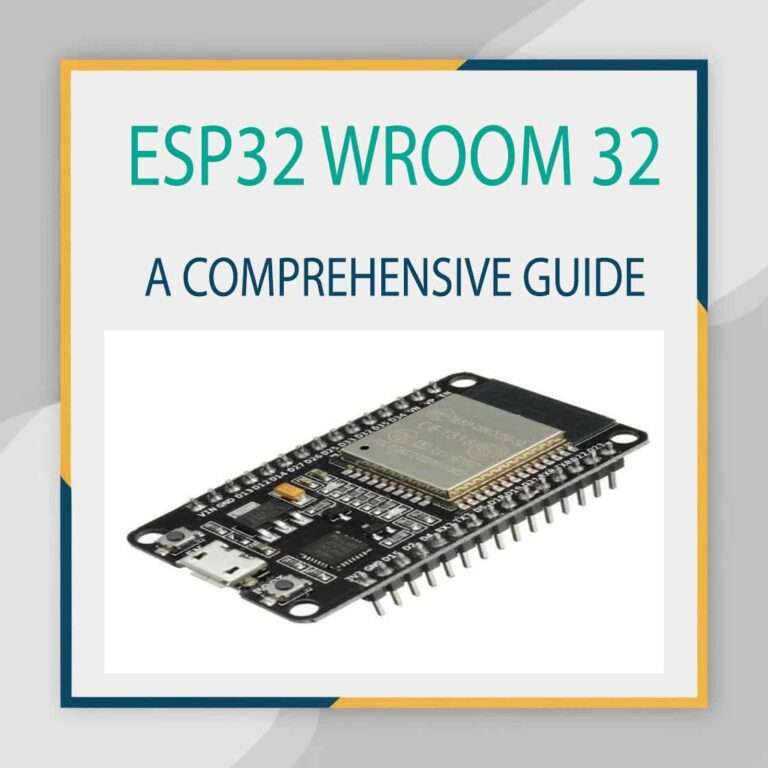
Explore details on esp32 wroom 32 uart pins
Follow Us on Social:
Subscribe our Newsletter on Electrical Insights for latest updates from Electrical Engineering Hub
#ESP8266, #HomeAssistant, #IoT, #SmartHome, #ESP8266HomeAssistant, #HomeAutomation, #MQTT, #DIYSmartHome, #ESP8266Projects, #HomeAssistantIntegration